Dripify Pricing: What Each Plan Costs per LinkedIn Account

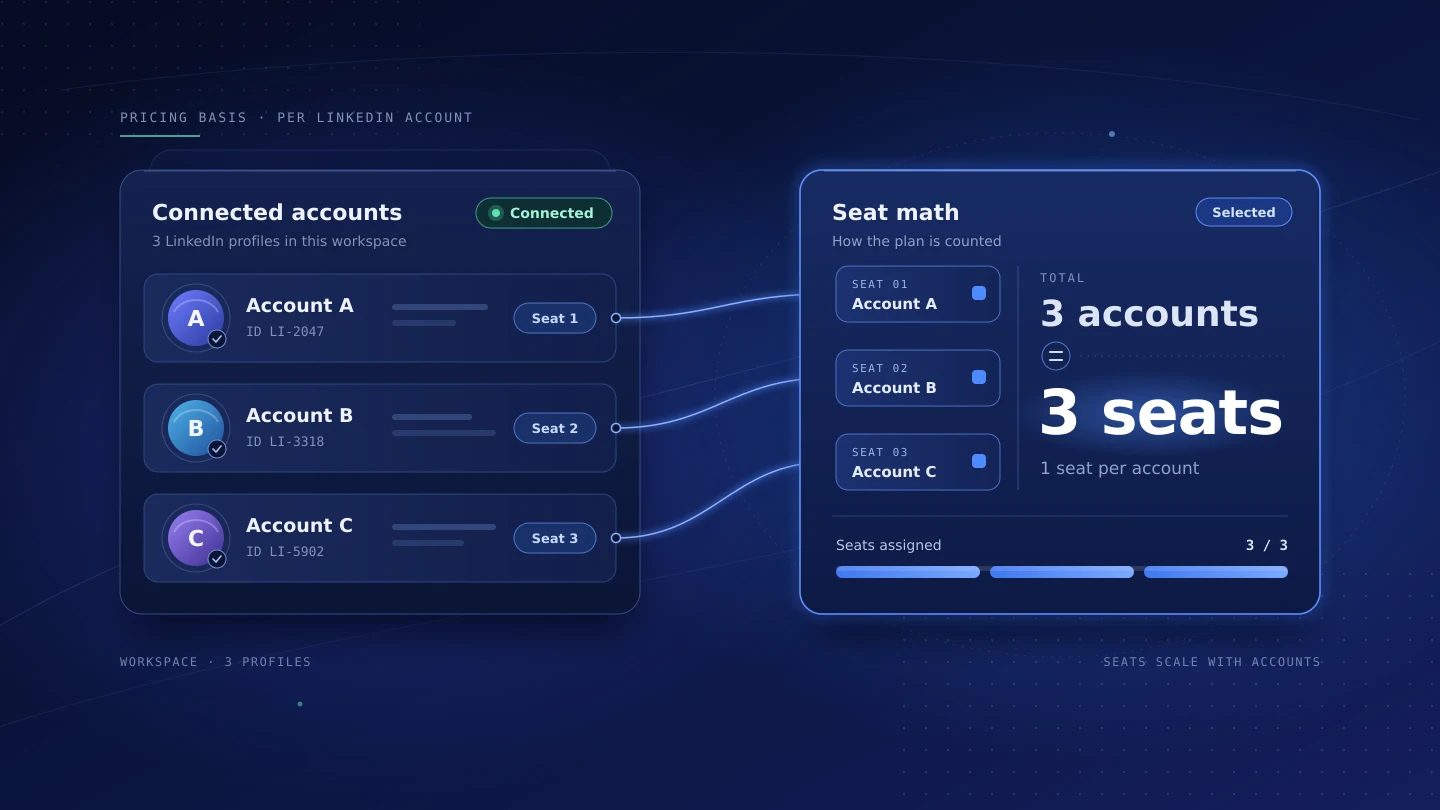
Dripify pricing is per seat, and each seat connects one LinkedIn account. On Dripify's pricing page, Pro costs $59 per user per month and Advanced $79 when billed annually, or $79 and $99 on monthly billing. Enterprise is quoted by seat count. A 7-day free trial needs no credit card.
Every price for Dripify in this article comes from Dripify's pricing page as captured on November 27, 2026. Prices change, so check the live page before you sign. Where a figure comes from a third-party review rather than Dripify itself, we say so.
Dripify pricing at a glance
| Plan | Billed annually (per user, per month) | Billed monthly (per user, per month) | What Dripify's page states |
|---|---|---|---|
| Pro | $59 | $79 | One seat connects one LinkedIn account |
| Advanced | $79 | $99 | The free trial runs on Advanced features |
| Enterprise | Custom quote | Custom quote | Priced on seat count; adds premium onboarding, dedicated technical support and a customer success manager |
Source: Dripify pricing page FAQ, captured November 27, 2026. Amounts in US dollars as published; the page excerpts we reviewed do not state tax treatment.
Two details on that page shape every budget:
- Every paid plan includes LinkedIn and email sequences and 100 email finder credits per month. Email steps are not an add-on on Dripify.
- If you run 10 or more seats, Dripify asks you to contact its sales team, which can also merge several individual subscriptions into one account with a single invoice.
What happened to the $39 Basic plan?
Several reviews still quote a Basic plan at $39 per month, including La Growth Machine's Dripify pricing breakdown. The Dripify pricing page we captured publishes prices for Pro and Advanced only, plus a custom Enterprise tier. A review by Meet Alfred dated November 17, 2026 reads it the same way. If you see $39 in an article, treat it as an older price until Dripify's own page shows it again.
Pro vs Advanced: what the extra $20 buys
The pricing page excerpts we reviewed give the prices but not the full feature split between the two plans. Meet Alfred's Dripify pricing review, written by a competitor, lists team management, split testing, step analytics, lead tagging, evergreen leads and Advanced LinkedIn protection as Advanced-only. Confirm that list on Dripify's comparison table before you rely on it.
One practical consequence follows from the trial running on Advanced features: if you then subscribe to Pro, any Advanced-only feature you used during the trial disappears. Decide during the trial whether your process actually depends on those features.
Annual vs monthly billing: the math
Annual billing lowers the monthly price per seat by $20 on both plans. Over a year, assuming the annual plan bills 12 times the monthly equivalent:
| Plan | Annual billing, per seat per year | Monthly billing for 12 months, per seat | Difference per seat per year |
|---|---|---|---|
| Pro | $708 | $948 | $240 (about 25% less) |
| Advanced | $948 | $1,188 | $240 (about 20% less) |
These are list-price calculations from the published per-month amounts, not invoices. Two things stand out:
- Advanced billed annually costs the same per month as Pro billed monthly ($79). If you already know you need Advanced features, committing for a year gets them at the Pro monthly rate.
- The saving is fixed per seat, so it grows with your account count. At 10 seats, the gap is $2,400 a year at list price.
Dripify's page also states that you can upgrade, downgrade or change your seat count from the Billing section at any time, and that nothing is charged automatically when the trial ends. A 7-day trial is short for a multi-step LinkedIn sequence with waiting periods, so many buyers will not see replies before the trial closes. Starting on monthly billing and switching to annual once a campaign has proven itself costs more for those first months but limits your commitment.
Costs that are not in the seat price
The seat price is the starting point, not the full bill. Three items sit outside it.
Email finder credits beyond 100 per month. Dripify includes 100 credits per month on every paid plan. Third-party reviews describe paid credit packs beyond that allowance; we did not find the pack price in the Dripify page excerpts we reviewed, so check it in your account before you plan a campaign that enriches more than 100 contacts a month.
LinkedIn Sales Navigator. Dripify's page says Sales Navigator is a separate LinkedIn subscription and not a Dripify requirement. Many teams add it for the search filters, and LinkedIn bills it per user on top of each automation seat. See LinkedIn's Sales Navigator plan comparison for current tiers, and our guide to what each LinkedIn Premium subscription costs for how the plans differ.
The rest of your outbound stack. Competitor-authored breakdowns add an email sending tool and CRM sync on top of Dripify and arrive at much higher "real" monthly totals. Those totals depend on the authors' own assumptions and on what they sell, so rebuild them with your own stack rather than reusing their figures. Independent listings such as Capterra's Dripify pricing page are useful for reading user comments on value, not as a price source.
How Dripify's cost scales with LinkedIn accounts
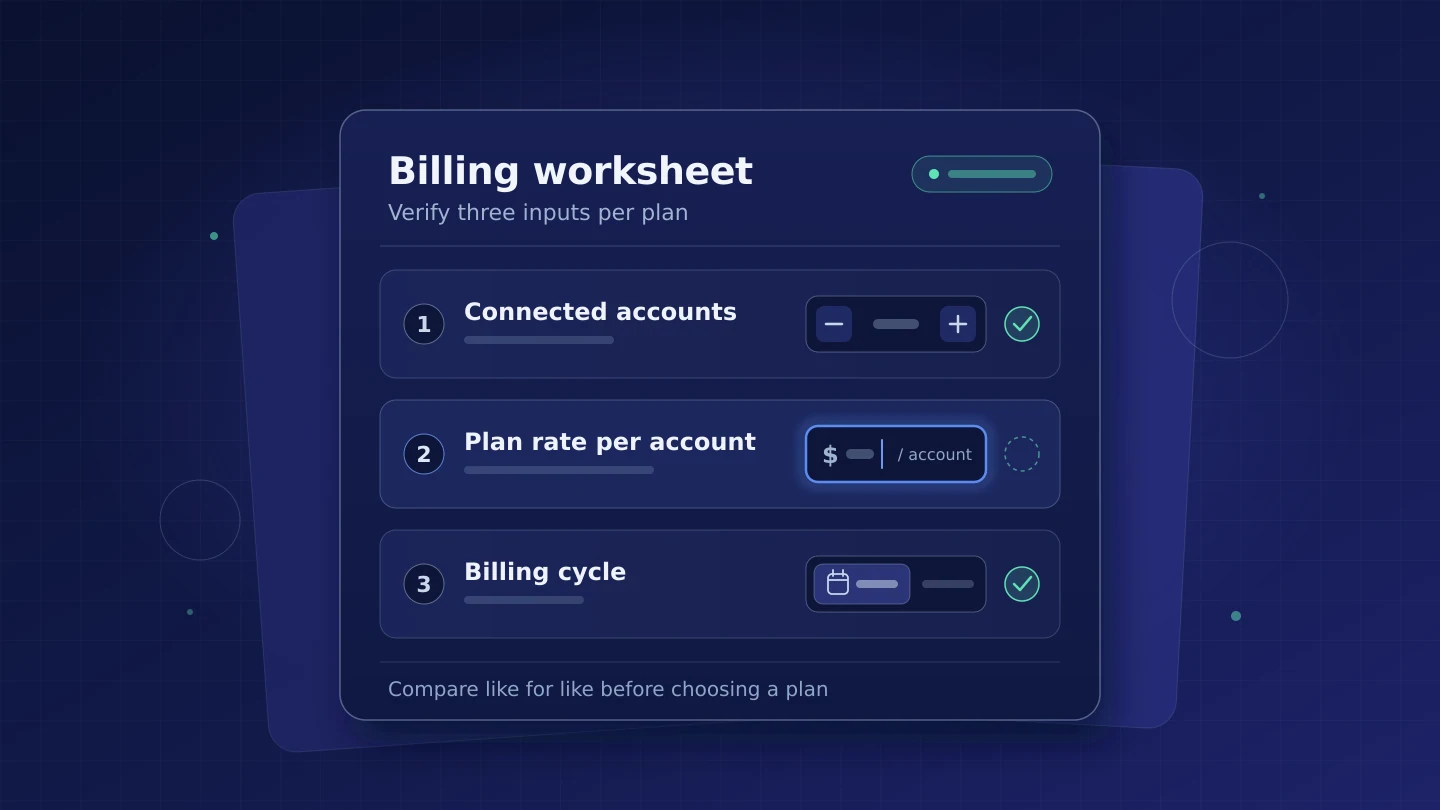
Because one seat connects one LinkedIn account, Dripify's cost grows in a straight line with every profile you automate. A team of four reps on four profiles needs four seats. An agency running eight client profiles needs eight. To estimate your own bill, work through four inputs in order.
Here is the list-price arithmetic for the seat cost alone:
| Connected LinkedIn accounts | Pro, annual billing | Pro, monthly billing | Advanced, annual billing | Advanced, monthly billing |
|---|---|---|---|---|
| 1 | $59/mo | $79/mo | $79/mo | $99/mo |
| 3 | $177/mo | $237/mo | $237/mo | $297/mo |
| 5 | $295/mo | $395/mo | $395/mo | $495/mo |
| 10 | $590/mo | $790/mo | $790/mo | $990/mo |
| 20 | $1,180/mo | $1,580/mo | $1,580/mo | $1,980/mo |
| 30 | $1,770/mo | $2,370/mo | $2,370/mo | $2,970/mo |
Calculated from Dripify's published per-user prices, captured November 27, 2026. From 10 seats, Dripify directs buyers to its sales team, so the price you are offered may differ from this arithmetic. Credits, Sales Navigator and other tools are excluded.
For a solo seller, this is simple: one seat, one number. For an agency, the important figure is the marginal cost of a new client. On Dripify, every additional client profile adds a full seat, $59 to $99 per month depending on plan and billing. That is the number to put in your client pricing before you sign the client, not after.
Agency scenario: per-seat pricing vs a tiered per-account model
Not every LinkedIn automation tool prices this way, and the difference only shows up when you divide the bill by the number of accounts. Below, we set Dripify's per-seat prices next to the published plans of Kanbox, the LinkedIn automation tool we work on, because its units differ: Essential and Pro are billed per LinkedIn account, while Agency is a flat tier covering a range of accounts.
Kanbox amounts are from kanbox.io/pricing as observed on October 14, 2026, in US dollars, shown as monthly equivalents billed annually (a monthly equivalent, not the annual invoice total). Monthly-billing prices are higher: Pro is $80 per account, Agency 10 is $399, Agency 30 is $749 and Agency Unlimited is $1,199. Tax status is not stated in our source.
| Connected LinkedIn accounts | Dripify Pro (annual) | Dripify Advanced (annual) | Kanbox plan that applies (annual) | Kanbox cost per account |
|---|---|---|---|---|
| 1 | $59/mo | $79/mo | Pro, $50 per account (Essential: $30) | $50 (Pro) |
| 5 | $295/mo | $395/mo | Pro: 5 x $50 = $250, or Agency 10: $279 | $50 (Pro) or $55.80 (Agency 10, $279 / 5) |
| 10 | $590/mo | $790/mo | Agency 10 (5-10 accounts): $279 | $27.90 ($279 / 10) |
| 30 | $1,770/mo | $2,370/mo | Agency 30 (11-30 accounts): $499 | $16.63 ($499 / 30) |
| 40 | $2,360/mo | $3,160/mo | Agency Unlimited (31+ accounts, fair use): $849 | $21.23 ($849 / 40) |
Read the per-account column with its denominator. Agency 10 at 5 accounts costs $55.80 per account, and Agency 30 at 11 accounts costs $45.36 per account ($499 / 11). A flat tier is cheapest per account at the top of its range and least efficient at the bottom. At 5 accounts, Kanbox Pro billed per account ($250) is below the Agency 10 tier ($279), so the agency tier is not automatically the cheaper option. Kanbox mentions a custom plan above 100 active connected accounts.
What the price table does not tell you
A lower total at the same account count does not mean the same service. Before you compare totals, check what each side includes for your process:
- Email. Dripify includes email sequences and 100 email finder credits per month on every paid plan. Kanbox has an Email Finder, but its email enrichment credits are sold separately as one-time packs (for example $15 for 1,000 or $90 for 10,000, observed October 14, 2026). If email steps in the same sequence are central to your process, price that requirement explicitly.
- Multi-account work. Kanbox switches between client accounts by avatar without logging out, and each campaign stays in its owner's context. It does not offer natively: sender rotation across several accounts in one campaign, an inbox showing several accounts at once, or a client report combining several accounts. It also does not offer A/B testing. If your agency depends on any of these, the cheaper per-account figure does not cover your need.
- Campaign capacity and proxies. Kanbox Agency plans allow five simultaneous campaigns per LinkedIn account and include proxies supplied by Kanbox, with your own proxy optional. Unlimited means the account count, under fair use, from 31 accounts.
- Advanced features. On Kanbox, AI conversation assistance, lead magnet, API, webhooks and the MCP server come with Pro and Agency without extra credits for those functions.
The honest summary: at one to five accounts, the price gap between per-seat and per-account plans is small and features should decide. From about 10 accounts, flat tiers change the per-account math, as long as the tier's limits fit your operations. No pricing model is cheaper in every situation.
How to choose: which number to price first
| Your situation | What to price first | Why |
|---|---|---|
| Solo seller running LinkedIn and email from one profile | Dripify Pro on a short monthly run, then annual | One seat covers LinkedIn and email sequences, and annual billing cuts $240 a year once the process works |
| Small team that needs team management or split testing | Dripify Advanced, annual if you will stay a year | Third-party reviews place these features on Advanced; annual Advanced costs the same as monthly Pro |
| Agency with 10 or more client LinkedIn accounts | A sales quote from Dripify against flat agency tiers from other tools | Per-seat pricing grows with every client; flat tiers may cost less per account at the top of their range |
| Agency that needs sender rotation or one inbox across accounts | Tools that document these functions natively | A lower per-account price does not help if the tool lacks the workflow your team runs |
| Team already paying for Sales Navigator | The automation seat only | Sales Navigator stays a separate LinkedIn bill whatever tool you choose |
If you are still deciding whether automation belongs in your process at all, our overview of how LinkedIn prospecting works step by step covers targeting and follow-up before tooling. And if Sales Navigator is part of the plan, our Sales Navigator tutorial shows how to build the searches you would feed into any automation tool.
FAQ
How much does Dripify cost per month?
Dripify's pricing page lists Pro at $59 per user per month and Advanced at $79 per user per month when billed annually. On monthly billing, Pro is $79 and Advanced is $99 per user per month. Enterprise is custom-priced based on seat count. Each seat connects one LinkedIn account, so your monthly cost is the plan price multiplied by the number of LinkedIn accounts you automate. These figures come from Dripify's page as captured on November 27, 2026; check the live page before you buy.
Does Dripify have a free plan or a free trial?
Dripify has a 7-day free trial and no free plan on its pricing page. The trial requires no credit card and gives you Advanced plan features. When it ends, Dripify states that nothing is charged automatically: you choose a plan to continue, or the account becomes inactive. Because the trial runs on Advanced, subscribing to Pro afterwards removes the Advanced-only features you may have used, so check which ones your campaigns depend on before the trial ends.
Is Dripify's annual plan cheaper than monthly?
Yes. Annual billing takes $20 off the monthly price per seat on both published plans: Pro drops from $79 to $59 and Advanced from $99 to $79. Assuming the annual plan bills 12 times that monthly equivalent, a Pro seat costs $708 a year instead of $948, and an Advanced seat $948 instead of $1,188. That is $240 saved per seat per year, which adds up quickly for agencies with many seats. The trade-off is a one-year commitment before your campaigns have proven themselves.
Does one Dripify seat cover several LinkedIn accounts?
No. Dripify's pricing page states that each seat connects one LinkedIn account. A second profile, whether it belongs to another rep or to an agency client, needs a second seat at the full plan price. Team features on higher plans let one administrator oversee several accounts, but each account is still billed as its own seat. For agencies, this makes the cost of each new client predictable but linear: ten client profiles mean ten seats.
Do I need LinkedIn Sales Navigator to use Dripify?
No. Dripify's pricing page says Sales Navigator gives better search filters, so many teams use it, but it is a separate LinkedIn subscription and not a Dripify requirement. If you add it, LinkedIn bills it per user on top of each Dripify seat, so a team that uses both pays two subscriptions per person. Budget it as a LinkedIn cost that stays the same whichever automation tool you choose.
What would Dripify cost an agency managing 10 client accounts?
At list prices, 10 seats cost $590 per month on Pro or $790 on Advanced with annual billing, and $790 or $990 with monthly billing. Those figures exclude extra email finder credits and Sales Navigator. From 10 seats, Dripify asks buyers to contact its sales team, so a negotiated price may differ. Before choosing, compare that quote with tools priced per account or by agency tier, and check that their limits match your campaigns.
Next steps
Dripify's pricing is easy to read and grows in a straight line with your accounts. The decision gets harder for agencies, where the cost of each new client and the workflow you need matter more than the entry price.
- To understand the LinkedIn subscription that often sits next to any automation tool, read our breakdown of LinkedIn Premium and Sales Navigator prices.
- If you manage several client accounts and want to compare per-account and agency tier prices with the figures above, see the published Kanbox plans and agency tiers. Kanbox's trial runs 15 days without a credit card, with three simultaneous campaigns and 1,000 imports per LinkedIn account for the whole trial.
Import your prospects from LinkedIn or Sales Navigator, run your sequence and follow every reply in a Kanban pipeline.