LinkedIn Multi-Account Management: All Your Profiles in One Place
Switch between accounts in one click, manage all conversations from a unified inbox, and run separate campaigns for each profile. Perfect for agencies and sales teams.
15-day free trial - No credit card required








Why Agencies and Sales Teams Choose Kanbox for Multi-Account Management
The only platform that lets you manage multiple LinkedIn profiles without the complexity

"With Kanbox, I manage 12 client LinkedIn accounts from one dashboard. No more repeated logins - I save 2 hours daily. It's a game-changer for agencies."
How it works
Manage Multiple Accounts in 3 Steps
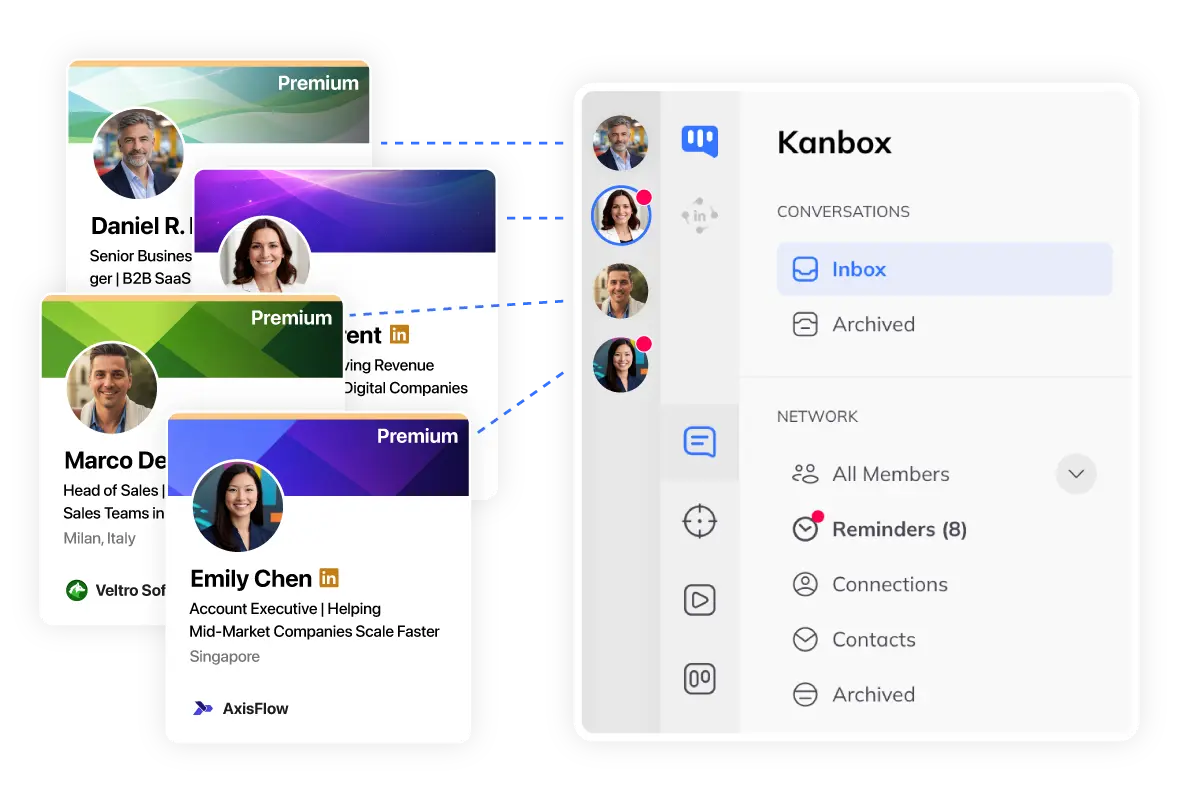
Step 1: Connect Your Accounts
- Secure OAuth.
- Connect via LinkedIn OAuth. No password shared or stored.
- Unlimited accounts.
- Add as many accounts as you need. Personal, client, or team.
- Secure delegation.
- Grant access to team members without sharing credentials.
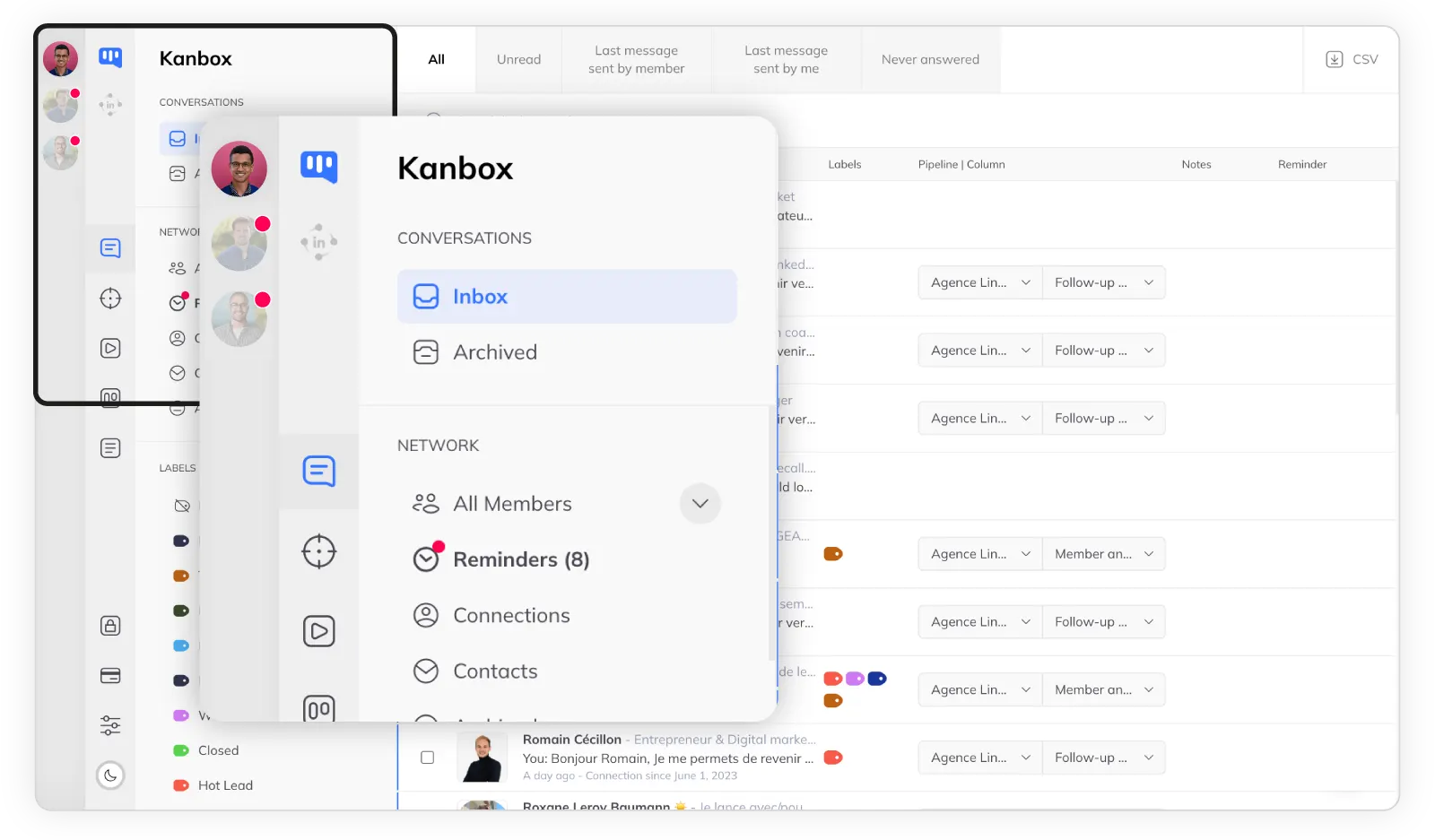
Step 2: Switch Instantly
- One-click switch.
- Switch between accounts instantly from the dropdown menu.
- Unified inbox.
- All conversations in one place. Filter by account if needed.
- Context preserved.
- Each account keeps its own pipelines, tags, and history.
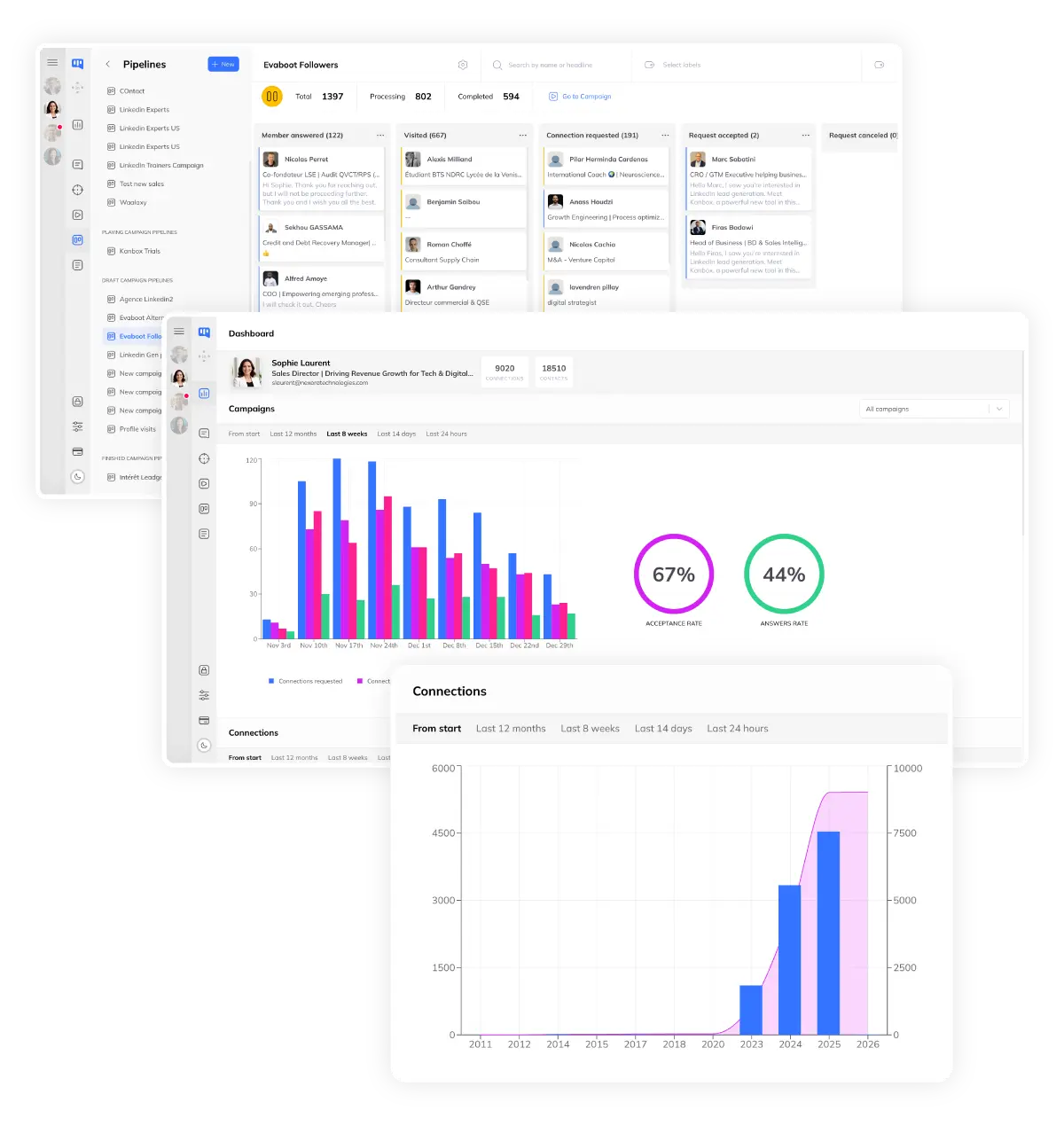
Step 3: Manage & Automate
- Separate campaigns.
- Run different automation sequences for each account.
- Per-account analytics.
- Track performance separately or get a consolidated view.
- Safe limits.
- Each account has its own daily limits to protect your profiles.
Core Features
Multi-Account Features That Scale Your Business
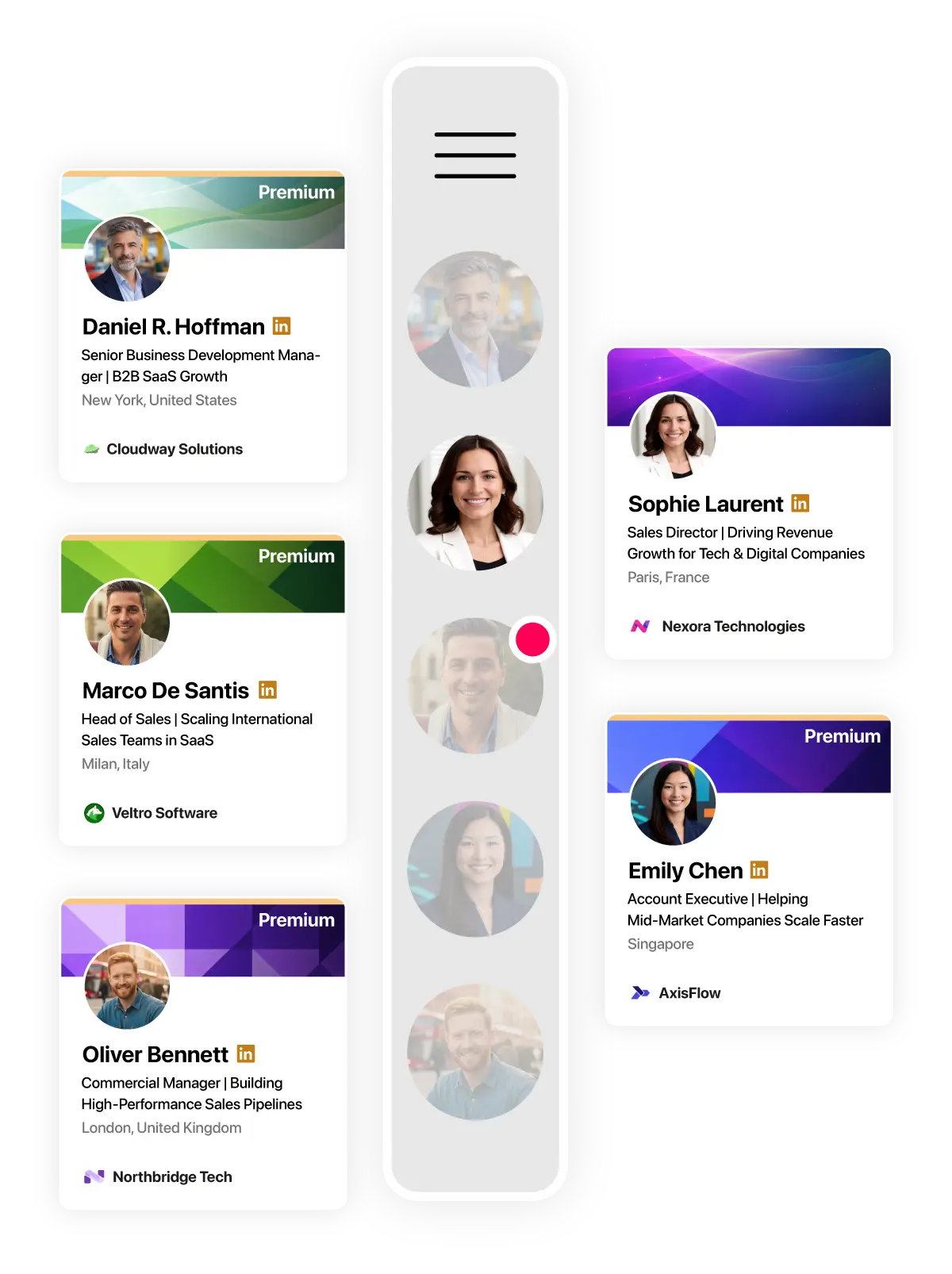
Instant Account Switching
- No login/logout.
- Switch accounts without disconnecting. Permanent sessions.
- Quick access.
- All your accounts in a dropdown menu. One click away.
- Visual indicator.
- Always know which account you are working on.
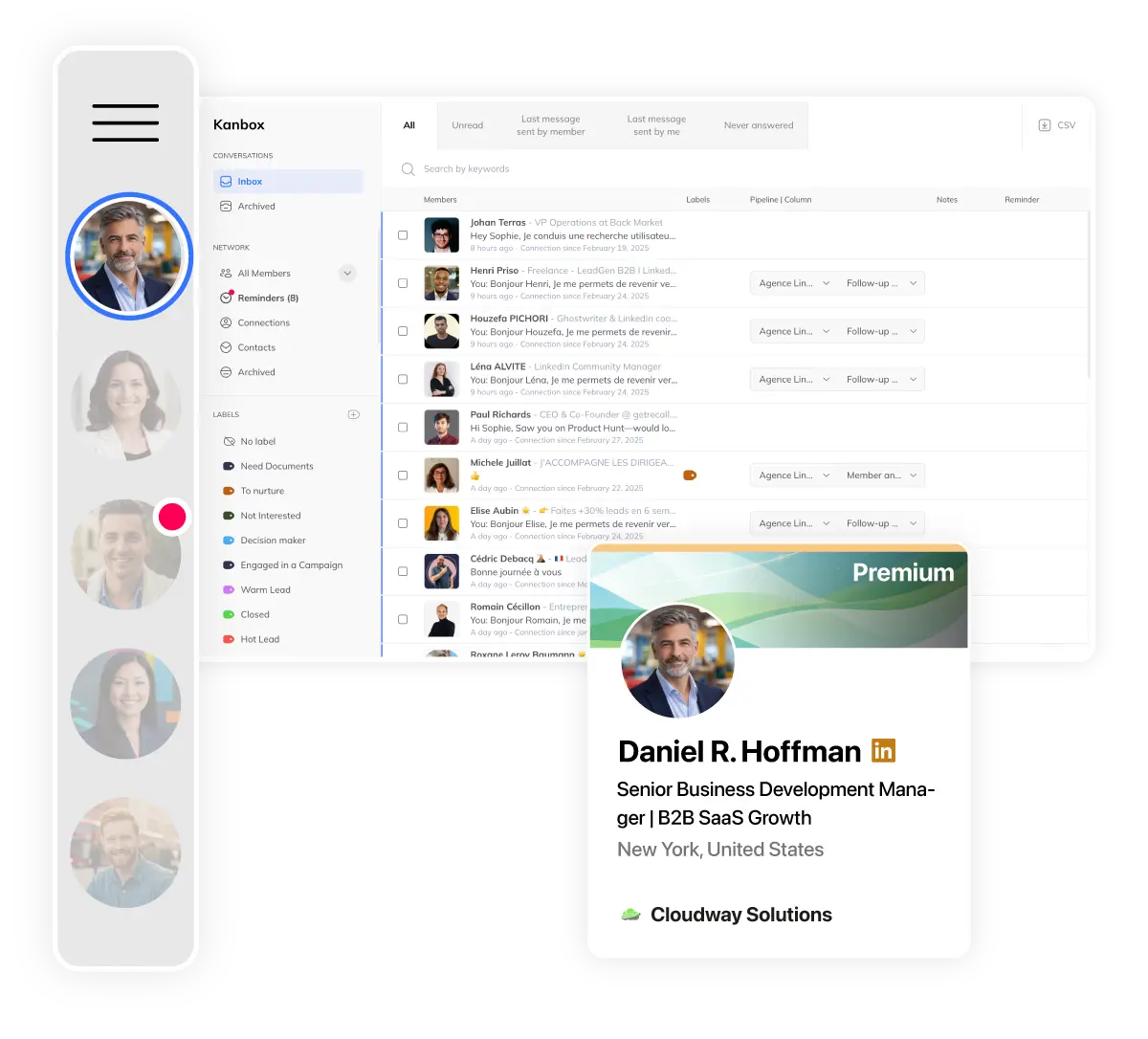
Unified Inbox for All Accounts
- All conversations.
- Messages from all accounts in one unified inbox.
- Filter by account.
- See all messages or filter by specific account.
- Shared or separate tags.
- Use the same labels across accounts or keep them separate.
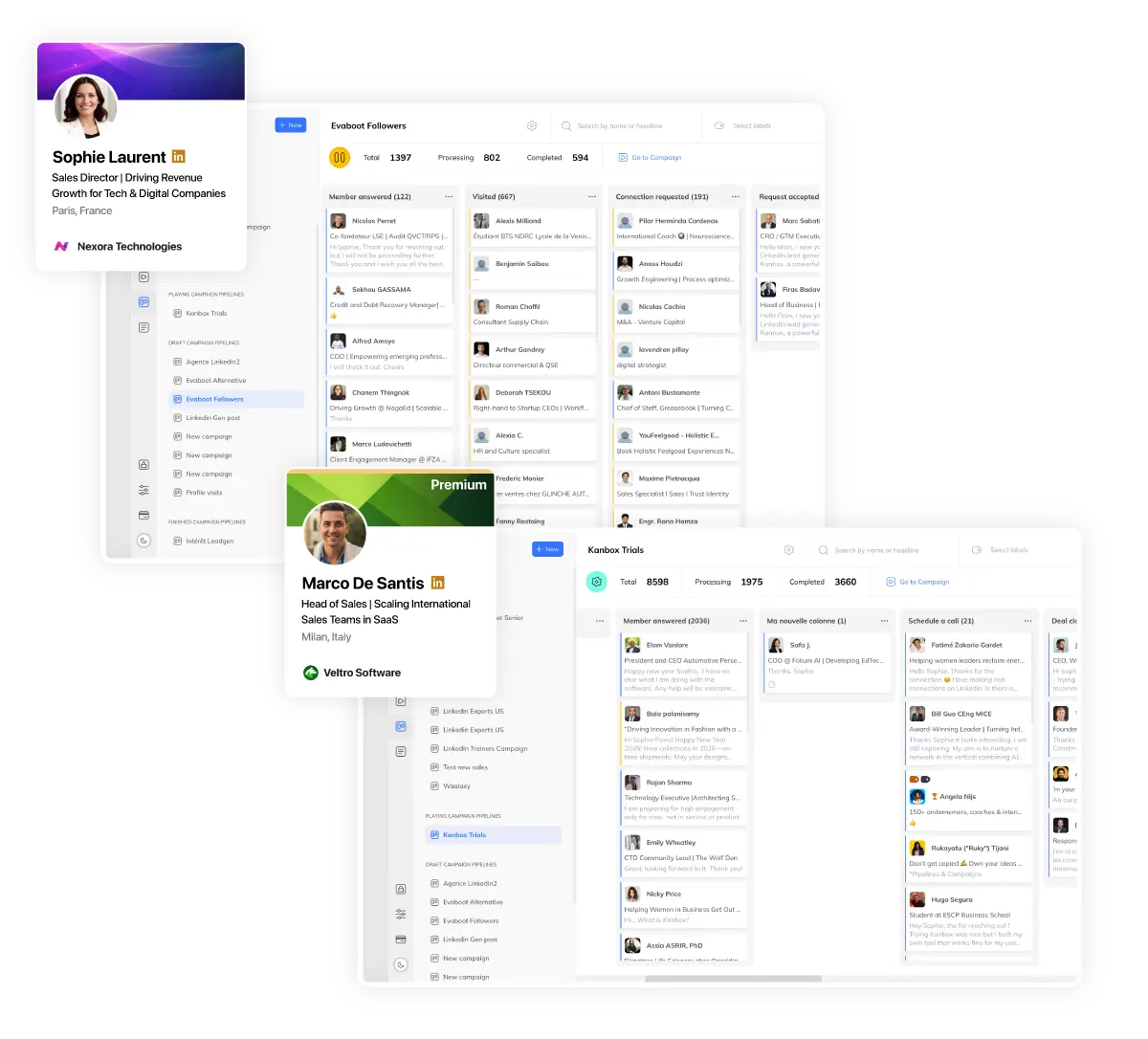
Multi-Account Automation
- Parallel campaigns.
- Run automation sequences on multiple accounts simultaneously.
- Safe limits per account.
- Each account respects LinkedIn limits independently.
- Consolidated reporting.
- View analytics per account or get a global overview.
Ready to Manage Multiple Accounts Effortlessly?
Stop juggling between browser profiles. Start managing all your LinkedIn accounts from one dashboard.
Start FreeKanbox vs Other Multi-Account Solutions
| Feature | Other Tools | Kanbox |
|---|---|---|
| One-click account switch | ||
| Unified inbox | ||
| Separate campaigns per account | Limited | |
| Team access management | Limited | |
| Safe limits per account | Manual | Automatic |
| Cloud-based (no extension) | ||
| Starting price | 100€+/mo | 15€/mo |
What Agencies and Teams Say About Kanbox Multi-Account
Verified reviews from Kanbox users

UI, Kanban function. Attachments for emails make the process more efficient and structured.
Capterra
Kanbox is a game-changer. Connected to LinkedIn, we can run campaigns, track responses, and manage candidate engagement seamlessly.
CapterraClean interface, and the pipeline feature is unlike anything I've used before.
Capterra
Excellent pipeline management and campaigns. Everything is well-structured and streamlined.
Capterra
Kanbox's Kanban-style interface makes organizing leads incredibly easy. Custom pipelines make tracking outreach seamless.
Capterra
Seamless integration with LinkedIn and Sales Navigator. The intuitive inbox makes managing conversations easy and efficient.
Capterra
The best part? The Kanban board and filters make it easy to label and prioritize my leads effectively.
Capterra
Kanban is an excellent tool for anyone who uses LinkedIn for sales. It streamlines collecting, organizing, and interacting with potential clients.
CapterraPricing
Simple, Transparent Pricing
Multi-account management starts with the Team plan. Perfect for agencies and sales teams.
Starter
- Simultaneous Campaign: 1
- Lead Import: 300 /month
- Cloud-based
- Email Finder
- Smart Linkedin Inbox with Tags and Filters
Essential
- Simultaneous Campaign: 3
- Lead Import: 600 /month
- Cloud-based
- Email Finder
- Smart Linkedin Inbox with Tags and Filters
- Team / Multi-account
- Unlimited account managers
Pro
- Simultaneous Campaign: 5
- Lead Import: 75K /month
- Cloud-based
- Email Finder
- Smart Linkedin Inbox with Tags and Filters
- Unlimited AI Prompts and Prompt Templates
- Team / Multi-account
- Unlimited account managers
- Webhooks / API
Agency 10
- 5 Simultaneous Campaigns
- Lead Import: 75K /month
- Cloud-based
- Email Finder
- Smart Linkedin Inbox with Tags and Filters
- Unlimited AI Prompts and Prompt Templates
- Team / Multi-account
- Unlimited account managers
- Webhooks / API
- Bring your own Proxies
Frequently Asked Questions
1. Can I have multiple LinkedIn accounts?
No, LinkedIn's terms of service prohibit having multiple accounts under the same name. However, Kanbox is designed for legitimate multi-account management:
- Agencies managing client accounts with their permission
- Sales teams where each rep has their own profile
- Businesses with separate accounts for different regions or brands
- Recruiters managing accounts for different business units
Kanbox provides secure, authorized access to multiple accounts without sharing passwords or violating LinkedIn policies.
2. How do I switch between LinkedIn accounts easily?
With Kanbox, switching accounts takes just one click:
- Click on the account dropdown in the top navigation
- Select the account you want to switch to
- You're instantly connected - no login/logout required
Your sessions remain active across all accounts. No need to remember multiple passwords or waste time re-authenticating. Each account maintains its own context (inbox, pipelines, campaigns) so you never lose track.
3. Is Kanbox secure for managing multiple accounts?
Yes, Kanbox prioritizes security with multiple layers of protection:
- OAuth connection: No passwords stored - secure LinkedIn authentication
- Role-based access: Grant specific permissions to team members
- Per-account limits: Each account respects LinkedIn's daily limits independently
- Cloud-based: No browser extensions that could compromise security
- Activity logs: Track who did what on each account
Your accounts are protected by the same security measures used by enterprise clients.
4. Can I manage client accounts as an agency?
Absolutely! Kanbox is built for agencies managing multiple client accounts:
- Separate pipelines: Each client has their own leads and campaigns
- Distinct reporting: Generate reports per client or consolidated
- Permission management: Control who in your team can access which accounts
- No credential sharing: Clients grant access without sharing passwords
- White-label ready: Present professional reports to your clients
Scale your agency without the complexity of managing multiple browser profiles or VPNs.
5. Does each account keep its own campaigns and data?
Yes, complete separation is guaranteed:
- Campaigns: Each account has its own automation sequences
- Pipelines: Separate Kanban boards for each account
- Contacts: Lead lists are isolated per account
- Tags & labels: Can be shared or kept separate
- Analytics: Per-account metrics or consolidated view
This ensures no data mix-ups between your personal prospecting and client campaigns, or between different team members' activities.
6. How many accounts can I manage with Kanbox?
Kanbox offers flexible multi-account options:
- Pro plan: Manage 1 account with full features
- Team plan: Manage unlimited accounts with team features
- Enterprise: Custom solutions for large agencies and organizations
There is no hard limit on the number of accounts. Whether you're managing 2 accounts or 50, Kanbox scales with your needs. Each additional account maintains the same level of security and feature access.
7. Is there any risk for my LinkedIn accounts?
Kanbox is designed to protect your accounts, not put them at risk:
- Human-like delays: Random intervals between actions mimic natural behavior
- Daily limits: Automatic caps prevent exceeding LinkedIn's thresholds
- Cloud infrastructure: No detectable browser extensions
- Gradual ramp-up: New accounts start with conservative limits
- Activity monitoring: Alerts if unusual patterns are detected
We've been helping agencies and sales teams manage multiple accounts safely for 5+ years. Our security measures are continuously updated to align with LinkedIn's policies.
Scale Your Agency or Team with Multi-Account Management
Join hundreds of agencies and sales teams who save hours daily with Kanbox multi-account.
15 days free · No credit card required · Full access from day one