LinkedIn Post Size: 2026 Guide with Sizes + Examples

A good LinkedIn post format can make the difference between invisible content and a viral post. This guide helps you choose the right format for your goal, with practical tips and simple benchmarks to apply.
Why LinkedIn Post Format is Crucial
On a professional social network like LinkedIn, the format of your publications plays a key role. The LinkedIn algorithm favors posts that quickly generate interactions (likes, comments, shares).
The choice of content type: text, image, carousel, video, directly influences the visibility of your messages in your followers' feed.
A well-thought-out format allows you to capture your audience's attention in seconds. A high-quality optimized image (JPG or PNG), with the right ratio (square, landscape, or portrait), can transform a simple message into engaging content. Conversely, poor framing or an unmet minimum size can make your posts barely visible on mobile or create a blurry result.
Format doesn't just impact visual display.
It also affects:
- Click-through rate (CTR) to your links or documents.
- The number of visitors who stop on your post instead of scrolling.
- The perception of your personal brand or company on LinkedIn.
In short, choosing the best format means maximizing the reach of your publications and transforming a simple blog post or news item into a client acquisition lever. If you want to grow your audience consistently, read our guide on how to become a LinkedIn influencer.
Simple example: a well-structured PDF carousel (with clear slides created on Canva) often gets more shares and saves than a text-only post, because it tells a visual story step by step.
Main LinkedIn Post Formats
Each type of publication on LinkedIn has its strengths and limitations. The choice depends on your goal: visibility, engagement, lead generation, or credibility. Here are the formats to know and use in your content strategy.
Text Post
A simple text can be enough to attract attention if the title or hook captures in a few characters.
- Ideal for telling a story or sharing news.
- Structure with line breaks, bold keywords, short sentences. Try our LinkedIn Text Formatter to add bold and other Unicode styles instantly.
- Add 3 to 5 hashtags to maximize reach in the news feed.
Limitation: without a visual, the post is less visible in the feed.
Image Post
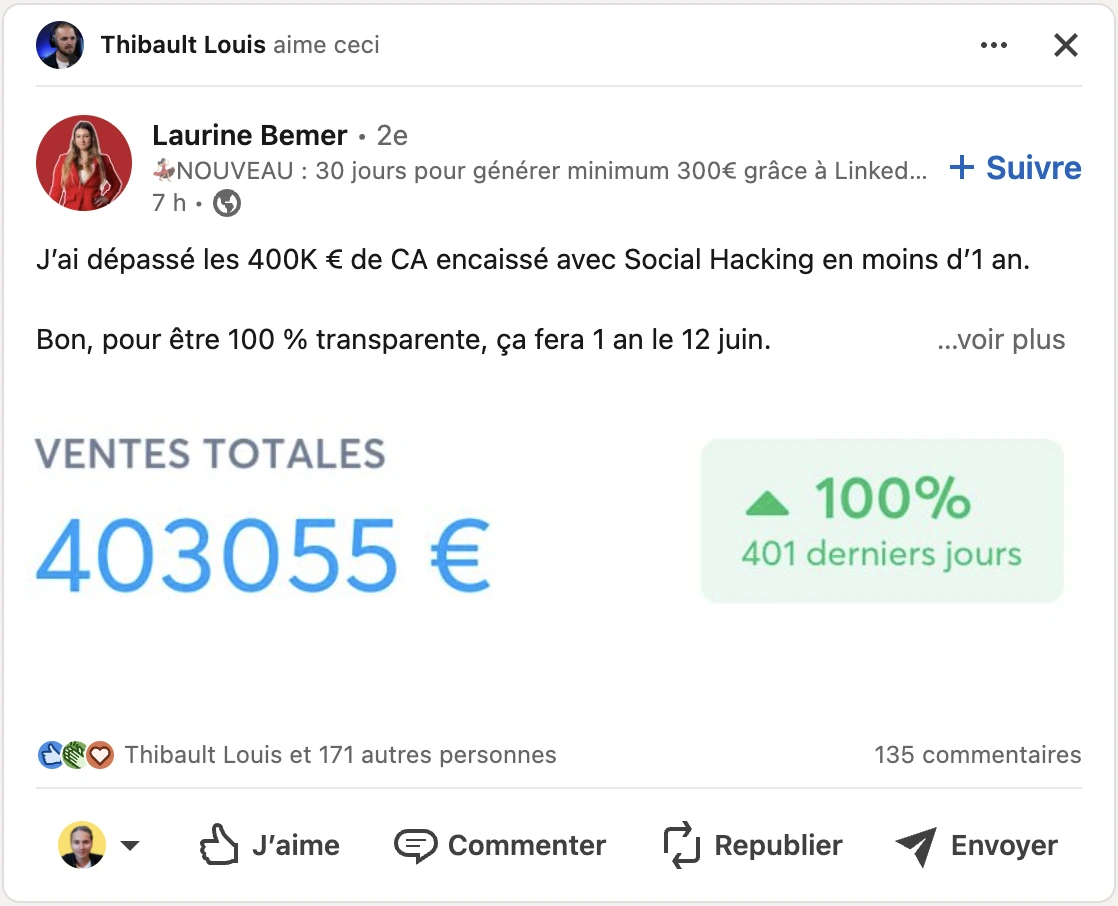
A quality visual in JPG, PNG, or GIF greatly increases impact.
- Recommended dimensions: 1200×627 pixels (landscape) or 1080×1080 pixels (square format).
- Use clear visuals with good resolution to avoid a blurry result.
- Example: an optimized LinkedIn cover photo can strengthen your brand image.
Tip: add a subtle logo or thumbnail to distinguish your company on LinkedIn.
Carousel (PDF Document)
The carousel is one of the most engaging formats. It allows you to tell a story in multiple slides.
- Ideal size: 1080×1080 px or 1920×1080 px (portrait or landscape).
- File in PDF format, up to 100 pages maximum.
- Perfect for tutorials, case studies, or educational marketing content.
Key difference: unlike a sponsored ad on Facebook or Instagram, the organic carousel is free and reaches a wide social audience.
Native Video
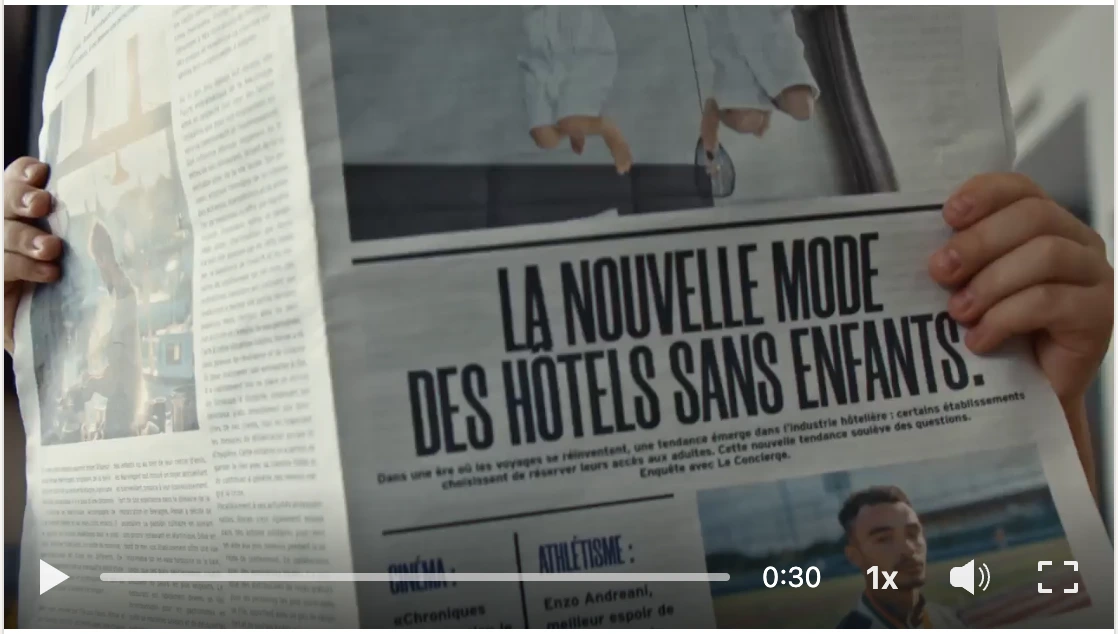
Video allows you to capture your audience's attention quickly.
- Recommended ratio: 16:9 (landscape) or 9:16 (mobile portrait).
- Resolution: 1920×1080 pixels minimum.
- Optimal duration: less than 2 minutes to keep visitors engaged.
- Include subtitles and a clear thumbnail (e.g., YouTube).
Video is effective for presenting a service, a new offer, or a product demonstration.
LinkedIn Articles & Newsletters
- Long format for sharing analyses, guides, or blog posts.
- Less organic reach than posts, but enhanced credibility.
- Useful for thought leadership and LinkedIn B2B strategy.
- Display is similar to a web page, with titles, subtitles, and images.
Perfect for professionals who want to establish their expertise.
Multi-Image Posts & Polls
These formats favor quick interaction.
- Multi-images: add up to 9 visuals to show multiple products or client cases.
- Poll: simple tool to involve your followers, get feedback, and capture new information.
Example: compare two LinkedIn cover images and ask for user opinions.
LinkedIn Formats Comparison Table
| Publication Type | Ideal Size / Recommended Dimensions | Main Objective | Expected Impact |
|---|---|---|---|
| Text | ≤ 3,000 characters | Idea sharing, storytelling | Quick engagement |
| Image (JPG, PNG, GIF) | 1200×627 px or 1080×1080 px | Visibility, branding | + Clicks, + shares |
| Carousel (PDF) | 1080×1080 px / 1920×1080 px | Education, prospecting | Strong interaction |
| Native Video | 1920×1080 px, ratio 16:9 or 9:16 | Demo, service promotion | + CTR, + conversion |
| Article / Newsletter | Free (LinkedIn layout) | Expertise, credibility | Qualified audience |
| Multi-images / Polls | Up to 9 images / 4 poll answers | Interaction, feedback | + Comments, + votes |
Official LinkedIn Visual Dimensions (2026)
Publishing with the right dimensions is essential to ensure optimal display on both desktop and mobile. A poorly resized visual can lose quality, cut key elements, or produce a blurry result. Here are the sizes to follow in 2026 for your LinkedIn publications.
- Simple image in a post: 1200×627 pixels (landscape format) or 1080×1080 pixels (square format).
- Carousel PDF (document): 1080×1080 px or 1920×1080 px (portrait or landscape).
- Native video: ideal resolution 1920×1080 px, ratio 16:9; minimum 640×360 px, maximum 4096×2304 px.
- LinkedIn profile photo: 400×400 px minimum, in JPG or PNG, maximum file size 8 MB.
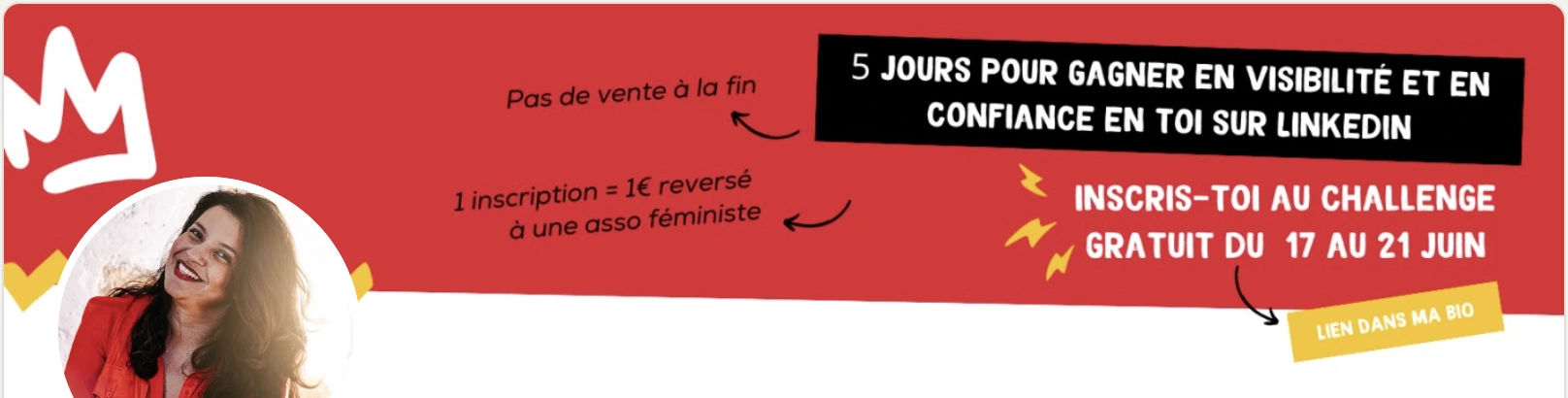
- LinkedIn cover photo (personal banner): 1584×396 px.
- Company page banner: 1128×191 px, adapted for logo and slogans.
- Video thumbnail: 1280×720 px for a professional result, like on YouTube.

Tip: always favor high-quality files (JPG, PNG, or even GIF for light animations). Test the result on mobile and desktop before publishing to ensure every user sees your visuals without cropping.
LinkedIn Ads Dimensions (Sponsored Content, InMail, Text Ads)
If you're running paid campaigns on LinkedIn, you need to follow specific size requirements for each ad format. Here are the official dimensions for 2026:
Sponsored Content (Single Image Ad)
- Recommended size: 1200×627 pixels (landscape, 1.91:1 ratio)
- Minimum: 400×400 pixels
- File formats: JPG or PNG
- Max file size: 5 MB
Sponsored InMail (Message Ads)
- Banner image: 300×250 pixels
- File formats: JPG, PNG, or GIF (non-animated)
- Max file size: 2 MB
Text Ads
- Logo/image: 100×100 pixels (square)
- File formats: JPG or PNG
- Max file size: 2 MB
Company Logo
- Recommended size: 300×300 pixels
- Minimum: 100×100 pixels
- File formats: JPG or PNG
- Displayed at: various sizes depending on context (page, search results, ads)
Event Cover Image
- Recommended size: 1776×444 pixels (4:1 ratio)
- File formats: JPG or PNG
- Max file size: 10 MB
Tip: Always preview your ads on both desktop and mobile before launching. A visual that looks perfect on desktop may be cropped or hard to read on a smartphone screen.
How to Create an Engaging LinkedIn Post?
A post only has a few seconds to capture attention in the feed. The key: combine the right format with a clear content strategy. Here are the steps to publish effectively.
Craft the Hook
The first two lines are crucial: they must capture attention before the "see more."
Use a punchy title, ask a question, or share strong information.
Bring Added Value
Tell a professional story or illustrate with a concrete example.
Avoid jargon: prefer short sentences, simple words, and messages optimized for mobile reading.
Structure Your Content
Add space with line breaks, bullet points, or subtle emojis to create rhythm.
Add appropriate visuals (image, carousel, video) to make the publication more visible.
End with a Call to Action
Invite your followers to comment, share, vote in a poll, or visit a LinkedIn company page.
Examples: "What strategy do you use?" or "What's your preferred visual size?"
Kanbox Tip: thanks to the integrated Kanban CRM, you can recycle leads from your posts. Every comment, interaction, or interested visitor can be tracked in a pipeline, transforming social engagement into client opportunity.
Result: effective content, aligned with your LinkedIn strategy, that generates engaging publications and real business impact.
Best Practices to Optimize Your Posts
An optimized LinkedIn post isn't just about image format or pixel ratio. It's the balance between consistency, relevance, and quality that maximizes impact with your audience. Here are the rules to follow:
Post Regularly
- A stable rhythm keeps you visible in the news feed.
- Favor time slots when your users are active (weekday mornings).
Vary Publication Types
- Alternate between text posts, square format images, PDF carousels, native videos, or polls.
- This diversity captures attention and shows the difference between your content and competitors'.
Adapt Content to Your Target Audience
- A personal profile will favor storytelling, a LinkedIn company page will be more service and brand image oriented.
- Respect the expected tone in your sector: informative, inspiring, or practical.
Optimize Your Visuals
- Respect minimum size and avoid files that are too heavy.
- Choose JPG, PNG, or GIF formats with high-quality rendering.
- Test mobile and desktop display to avoid cropping key elements (logo, text, thumbnail).

Analyze Your Results
- Track your performance with LinkedIn Analytics: impressions, CTR, engagement.
- Adjust your LinkedIn strategy based on which posts get the most reactions and clicks.
Recommended tool: Kanbox helps you integrate your posts into a complete approach. Thanks to automated sequences and Kanban tracking, every interaction (comment, like, click) becomes a measurable and actionable marketing action.
Conclusion
Choosing the right LinkedIn post format is essential to maximize your results. A respected image size, an optimized visual, and a clear content strategy make the difference between a forgotten post and a publication that generates real business opportunities.
With Kanbox, you go further: every interaction generated by your posts can be tracked in a Kanban pipeline or via the Smart Inbox. You thus transform your LinkedIn publications into a continuous flow of prospects.
Try Kanbox free for 15 days (no credit card) and start publishing posts that engage and convert.
Kanbox automates your LinkedIn actions so you can focus on what really matters.
Frequently Asked Questions
The optimal LinkedIn post size depends on your content type. For a single image post, the recommended image size is 1200×627 pixels (landscape) or 1080×1080 pixels (square). For carousel posts, use 1080×1080 px or 1920×1080 px. Following these dimensions and guidelines ensures your visual content displays correctly on all devices without cropping.
Post image: 1200×627 px (landscape) or 1080×1080 px (square). Profile picture size: 400×400 px minimum. Cover image (banner): 1584×396 px. Company page background image: 1128×191 px. Video thumbnail: 1280×720 px. Event cover: 1776×444 px. These minimum dimensions ensure a polished, visually appealing result on the platform.
To create engaging LinkedIn posts: start with a punchy hook (under 210 characters) to attract your audience. Use high-quality visual content (image, carousel, or video). Structure with line breaks and bullet points for easier reading. Add 3 to 5 hashtags to enhance reach on the professional network. End with a clear call to action to encourage connection and interaction.
Profile picture: 8 MB maximum. Post images: 5 MB for upload. Sponsored Content ads: 5 MB. InMail banner: 2 MB. Text Ads logo: 2 MB. Event cover: 10 MB. For optimal upload speed and display quality, keep your files as small as possible while maintaining resolution.
The recommended formats for LinkedIn images are JPG or PNG for static visuals, and GIF for light animations. These file types provide the best quality and are supported across the platform. Always use high-resolution files to ensure your visual content looks polished and professional on both desktop and mobile devices.
To optimize your LinkedIn post images for better engagement: use the correct size and resolution (1200×627 px or 1080×1080 px). Choose JPG or PNG formats for best quality. Maintain the right aspect ratio to avoid cropping. Test display on mobile and desktop before uploading. Add your logo or brand colors for a consistent, visually appealing design. Keep file size under 5 MB for faster loading.
Personal profile banner: 1584×396 pixels, aspect ratio 4:1. Company page cover: 1128×191 pixels. Event cover image: 1776×444 pixels, aspect ratio 4:1. Recommended formats: JPG or PNG. Maximum file size: 8-10 MB depending on type. Ensure key elements (logo, text) are centered to avoid cropping on different devices.